ConvertAPI
ConvertAPI demo page
A fixed page for trying HTML to PDF conversion
ConvertAPI keeps this page for code examples and tests. The URL to PDF examples in the ConvertAPI SDKs convert it, so they give the same result on every run: a two-page PDF with headings, a table, lists, a code block and an image. The page loads no scripts, web fonts, trackers or cookie banners. Read more about the HTML to PDF API.
Convert this page
Send the page's URL to the HTML to PDF converter. Replace YOUR_API_TOKEN with your API token:
curl -X POST https://v2.convertapi.com/convert/html/to/pdf \
  -H "Authorization: Bearer YOUR_API_TOKEN" \
  -F "Url=https://cdn.convertapi.com/public/files/demo" \
  -F "StoreFile=true"
The response is JSON with a link to download the PDF.
What the PDF keeps
- Text, headings and links. Links stay clickable in the PDF.
- Tables with borders and shaded rows
- Bulleted and numbered lists
- Code blocks in a monospaced font
- Images
- Page breaks set in CSS: the image below starts on a new page
Paper sizes
Choose the page size with the PageSize parameter. Some common sizes:
| Size | PageSize | Millimetres | Inches |
|---|---|---|---|
| A3 | a3 | 297 × 420 | 11.69 × 16.54 |
| A4 | a4 | 210 × 297 | 8.27 × 11.69 |
| A5 | a5 | 148 × 210 | 5.83 × 8.27 |
| Letter | letter | 215.9 × 279.4 | 8.5 × 11 |
| Legal | legal | 215.9 × 355.6 | 8.5 × 14 |
Images
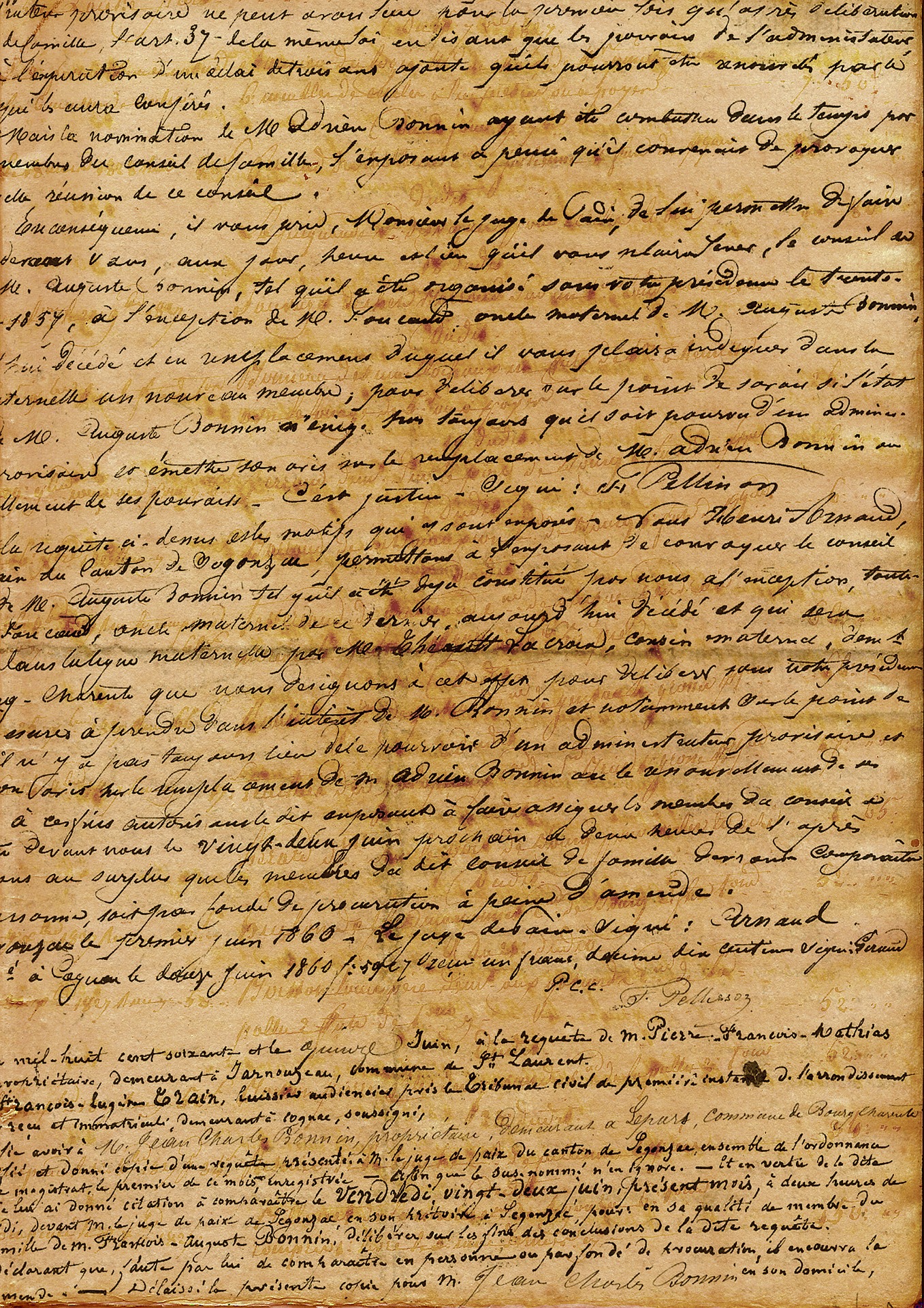
demo.jpg, a scanned handwritten page from the same folder as this pageHow the SDK examples use this page
- The example sends this page's URL to the HTML to PDF converter.
- ConvertAPI opens the page in a browser, waits for it to load and prints it to PDF.
- The example saves the PDF it gets back.